3D 3D Creation Online

3D Creation Online: Create Models from Text or Photos

Create3D.io is an online 3D creation workspace for turning ideas, text prompts, and object photos into downloadable 3D models. Create assets for games, 3D printing, AR, product concepts, e-commerce visuals, and creative content — then preview, refine, repair, convert, and export GLB, OBJ, FBX, STL, PLY, USDZ, or 3MF files.

Choose Model

Sign up and start creating for free
Your 3D generation task has been added to My Creations. You can keep creating from the homepage while it is processing.
Online 3D CreationMove from a concept, text prompt, or object photo to a viewable 3D model in one browser workflow.
Text or Photo InputsDescribe an object or upload a clear photo to guide its shape, proportions, and surface details.
Creation ToolkitPreview, inspect, repair, texture, remesh, convert, and prepare the model after generation.
Project-Ready ExportExport common 3D formats for games, AR, web 3D, product visuals, and 3D printing.

Explore AI 3D Assets

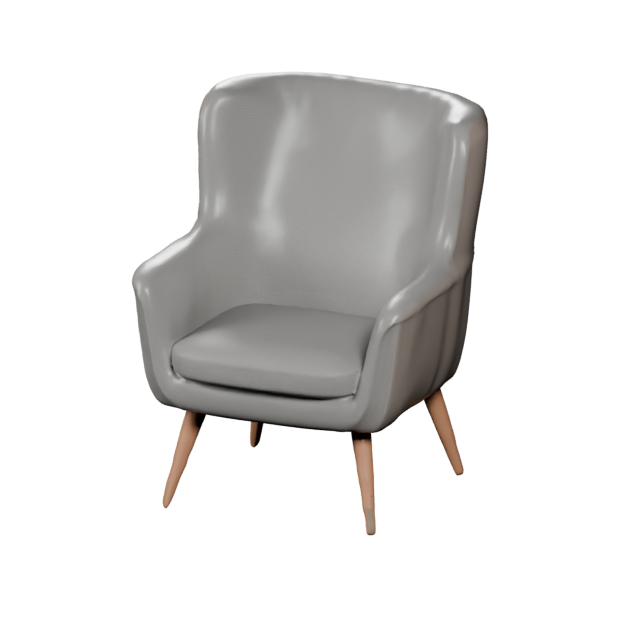
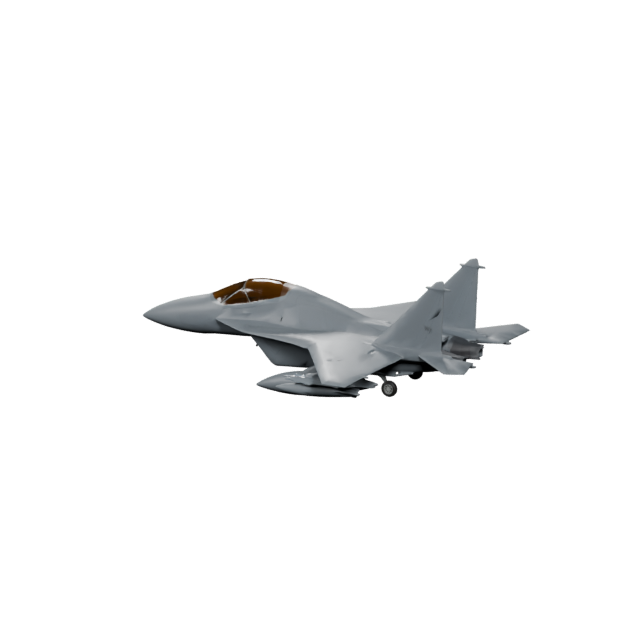
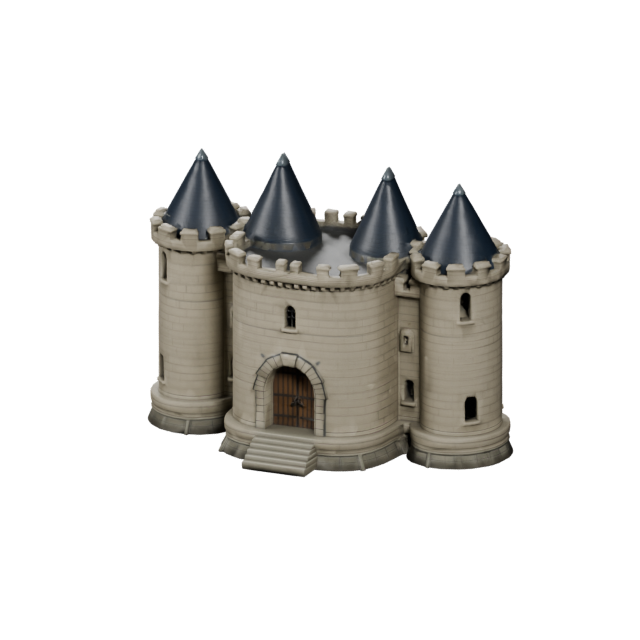
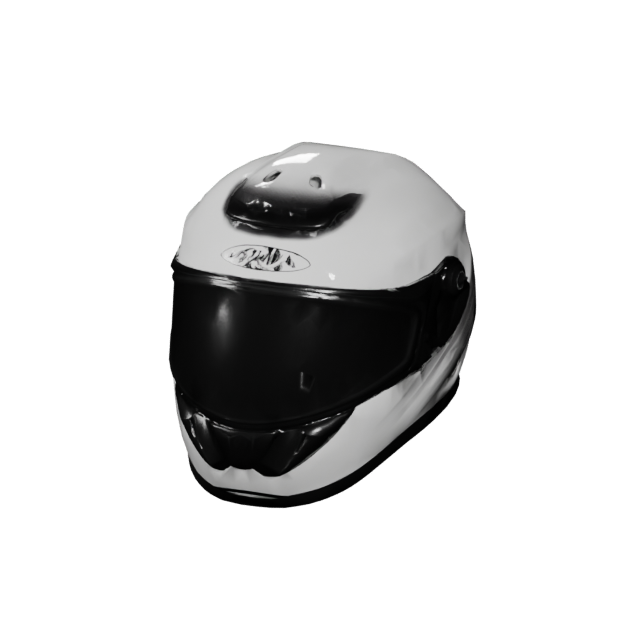
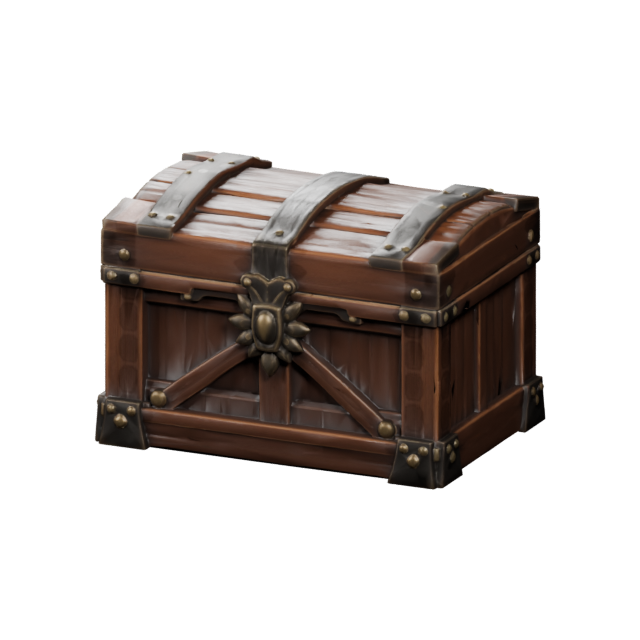
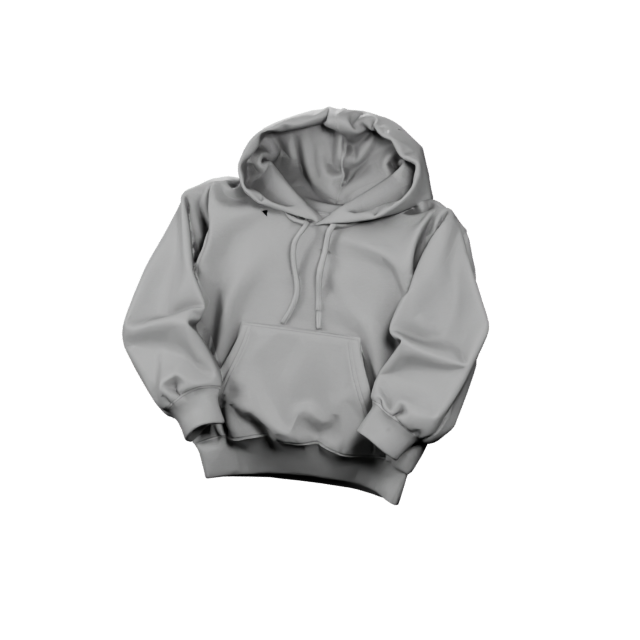
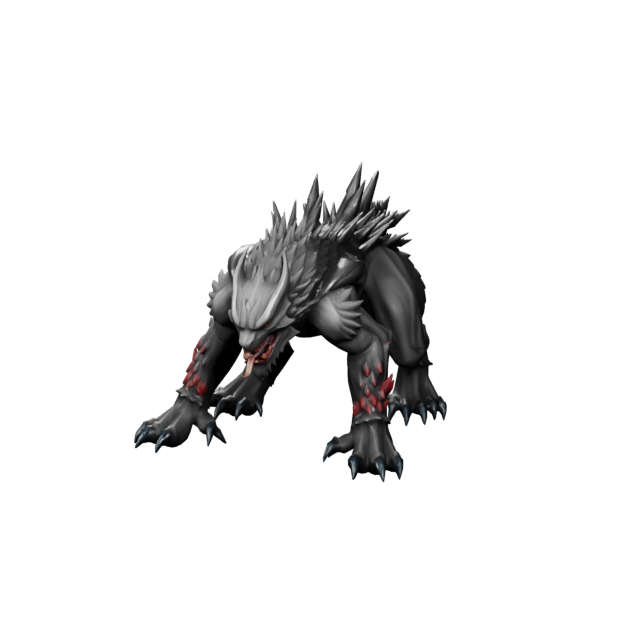
A Scandinavian dining ch... A military jet aircraft ... A stone castle building ... A motorcycle helmet with... A wooden treasure chest ... A folded gray streetwear... A mutant wolf boss with ... logo.png
What is 3D creation

3D creation, from idea to downloadable model

3D creation is the full process of turning an idea into a three-dimensional model you can view, refine, and use. With Create3D.io that process starts from a text prompt or a clear object photo instead of a blank modeling scene. The AI builds the shape and surface detail, and you keep control of the result — preview it, repair it, texture it, convert it, and export it. That end-to-end flow is what makes Create 3D AI faster than building geometry by hand.

Start creating in 3D →
Built for real industries

3D creation for the assets your industry needs

Game studios, product teams, makers, and creative shops all start projects differently. Create3D.io adapts to each one — describe what you need or upload an object photo, then create a 3D model tuned to your field, then export it into the tools you already use.

Games

Game characters & heroes

Create stylized characters, mascots, creatures, and NPCs ready to rig and drop into Unity or Unreal.

Transportation

Vehicles & transport

Cars, off-road rigs, trucks, and concept vehicles for games, ads, and product visualization.

Home & furniture

Furniture & interiors

Chairs, sofas, lamps, and décor concepts for catalogs, room scenes, and AR product previews.

E-commerce

Products & e-commerce

Turn product photos into clean 3D models for store pages, spin views, and 360° presentations.

Fashion

Footwear & apparel

Sneakers, accessories, and wearables as 3D assets for virtual try-on, lookbooks, and drops.

Aerospace

Aviation & aerospace

Aircraft, drones, and rockets as concept models for simulations, visuals, and technical previews.

Architecture

Buildings & environments

Houses, towers, and game-world structures for level design, archviz blocking, and pitches.

3D printing

Collectibles & printing

Figures, desk toys, and printable concepts you can refine, repair, and export as STL or 3MF.

3D Creation Workflow

A faster way to start your 3D creation

Traditional 3D creation usually begins with a blank viewport and a long setup. Create3D.io starts from the idea you already have — a prompt, an object photo, a product concept, or a clear visual direction — and carries it all the way to a downloadable file.

From idea to usable 3D asset

Create3D.io is designed for creators who need a practical path from first concept to finished model. Generate a first version, inspect it online, improve the asset, convert the format, and move it straight into a real workflow for games, AR, 3D printing, product visuals, or creative content.

1DescribeWrite a prompt or upload a clear object photo.
2CreateGenerate a 3D model directly in the browser.
3PreviewRotate, inspect, and evaluate the model online.
4RefineRepair, texture, remesh, or convert as needed.
5ExportDownload GLB, OBJ, FBX, STL, PLY, USDZ, or 3MF.

Why this page is different

“3D creation” is broader than a single generation button. It includes the whole process of turning an idea into a model that can be viewed, checked, improved, downloaded, and reused. Create3D keeps every one of those steps in one place.

Start without modeling softwareCreate from text or a photo before opening a complex 3D application.
Keep the workflow onlineGenerate, preview, refine, and export assets in the browser.
Use real 3D formatsMove models into game engines, slicers, AR viewers, and design tools.
Iterate quicklyCreate several directions before committing to detailed production.
Creation Inputs

Start with a text prompt or an object photo

Different projects start in different ways. Describe an original idea with Text to 3D, or use Photo to 3D when you already have a clear photo of the object you want to recreate.

Text to 3D creation

Describe the object, style, material, and use case. Best for props, characters, creatures, vehicles, product ideas, toys, and creative exploration.

Try Text to 3D

Photo to 3D creation

Upload a clear product or object photo with one visible subject. Best when you want the model to follow an existing shape, proportion, and surface direction.

Try Photo to 3D

Photo-guided 3D creation

Use a well-framed photo to communicate silhouette, materials, and proportions more clearly, then refine and export the generated model.

Start from a photo
Prompt Strategy

What makes a good 3D creation prompt?

A strong prompt does more than name the object. It tells Create3D.io what the object is, how it should be shaped, what it is made from, and where it will be used.

Weak prompt

This gives the AI almost no shape, material, style, or use-case direction.

robot
Better prompt

This describes the object, proportions, material, color accents, and target style.

A cute chibi robot assistant with rounded arms, glossy white plastic shell, blue eyes, small antenna, toy-like proportions, clean 3D model
Prompt formula

Use a repeatable structure when you want cleaner, more useful first results.

Create a [object type] with [shape details], [style], [materials], made for [use case].
Game asset example

Add role and production context when creating for games, AR, printing, or product visuals.

Create a stylized sci-fi storage crate with beveled edges, dark metal panels, orange warning stripes, worn surface details, made for a game asset.
Photo to 3D Tips

Use a clear object photo for stronger Photo to 3D results

When you upload a photo, keep one main object fully visible with a clear silhouette, even lighting, and minimal background clutter. Front or three-quarter product photos usually provide stronger shape cues than busy lifestyle scenes, cropped objects, or photos with hands covering important details.

Best inputsClear product or object photos, front or three-quarter views, simple backgrounds, and visible edges.
AvoidHeavy blur, cropped objects, hands covering the subject, strong reflections, and complex backgrounds.
Open Photo to 3D
Creation Toolkit

Preview, refine, repair, convert, and export

The first generated model is only the beginning. Create3D.io connects generation with the practical tools creators need after a model appears, so the asset is ready for production.

Export Formats

Download 3D creation files in the format your project needs

Create3D.io supports common 3D file formats so your models can move into real workflows for games, 3D printing, AR, web previews, design tools, and animation pipelines.

GLBWeb 3D, sharing, and online viewers
OBJBroad 3D tool compatibility
FBXGame engines and animation workflows
STL3D printing and slicers
PLYGeometry and scan-style workflows
USDZApple AR and iOS preview
3MFModern 3D printing workflows
Who It Is For

Built for creators who need 3D faster

Create3D.io helps teams and individuals move quickly from concept to asset without starting every project from scratch.

Indie developers

Create props, pickups, collectibles, characters, and prototype assets for Unity, Unreal Engine, and web games.

Product & e-commerce teams

Explore product shapes, packaging directions, accessories, and store-ready 3D visuals before full production.

Makers & educators

Create printable-style objects, learning models, classroom visuals, and hands-on design concepts.

FAQ

3D Creation FAQ

Answers for creators who want to create 3D models online with Create3D.io.

What is 3D creation?

3D creation is the process of making three-dimensional digital models for games, product design, 3D printing, AR, web 3D, e-commerce, education, and creative projects. With Create3D.io, 3D creation can begin from a text prompt or a clear object photo instead of a blank modeling scene.

Can I create 3D models online with Create3D.io?

Yes. Create3D.io is an online 3D creation workspace. You can start with Text to 3D or Photo to 3D, generate a model in your browser, preview the result, refine it, and export common 3D file formats.

Is 3D creation the same as 3D modeling?

They overlap, but they are not the same. 3D modeling usually refers to manually building geometry in specialized software. 3D creation is broader and can include AI generation, Photo to 3D, Text to 3D, previewing, repairing, converting, and exporting the finished asset.

Can I create a 3D model from a text prompt?

Yes. Text to 3D lets you describe the object you want, including shape, style, material, and use case. Create 3D AI then builds a downloadable 3D model based on your prompt.

Can I create a 3D model from a photo?

Yes. Photo to 3D lets you upload a clear photo of one main object and create a 3D model based on its visible shape, proportions, and surface details.

What kinds of 3D assets can I create?

You can create game characters, props, vehicles, furniture, footwear and apparel, product and e-commerce models, aircraft, buildings, collectibles, and printable concepts. Create3D adapts the result to the industry you describe in your prompt or reference.

What file formats can I export?

Create3D.io supports common 3D export formats including GLB, OBJ, FBX, STL, PLY, USDZ, and 3MF, depending on the model and workflow.

Is Create3D.io useful for game asset creation?

Yes. Create3D.io can help create props, objects, environment pieces, pickups, creatures, vehicles, and prototype assets for game workflows. FBX, OBJ, and GLB are useful formats for many game engines and real-time pipelines.

Is Create3D.io useful for 3D printing?

Yes. You can create simple printable-style objects and export STL or 3MF. For stronger print results, inspect the model and use the repair tools before slicing.

Do I need 3D design experience?

No. Create3D.io is built for beginners who want to create 3D models without complex software, while still giving experienced creators a fast way to generate and refine asset ideas.

Is Create3D.io free to start?

Yes. Create3D.io is free to start, with free credits for creating and previewing 3D assets. Advanced model versions and premium options are available with paid credits or a subscription.
Start Creating

Turn your next idea into a downloadable 3D model

Start with a prompt or upload an object photo, preview the result, refine the model, and export it for games, 3D printing, AR, product visuals, or creative content. Create 3D AI puts the full workflow in one online space.

Start 3D Creation
Create3D.io · Online 3D creation from text prompts and object photos.